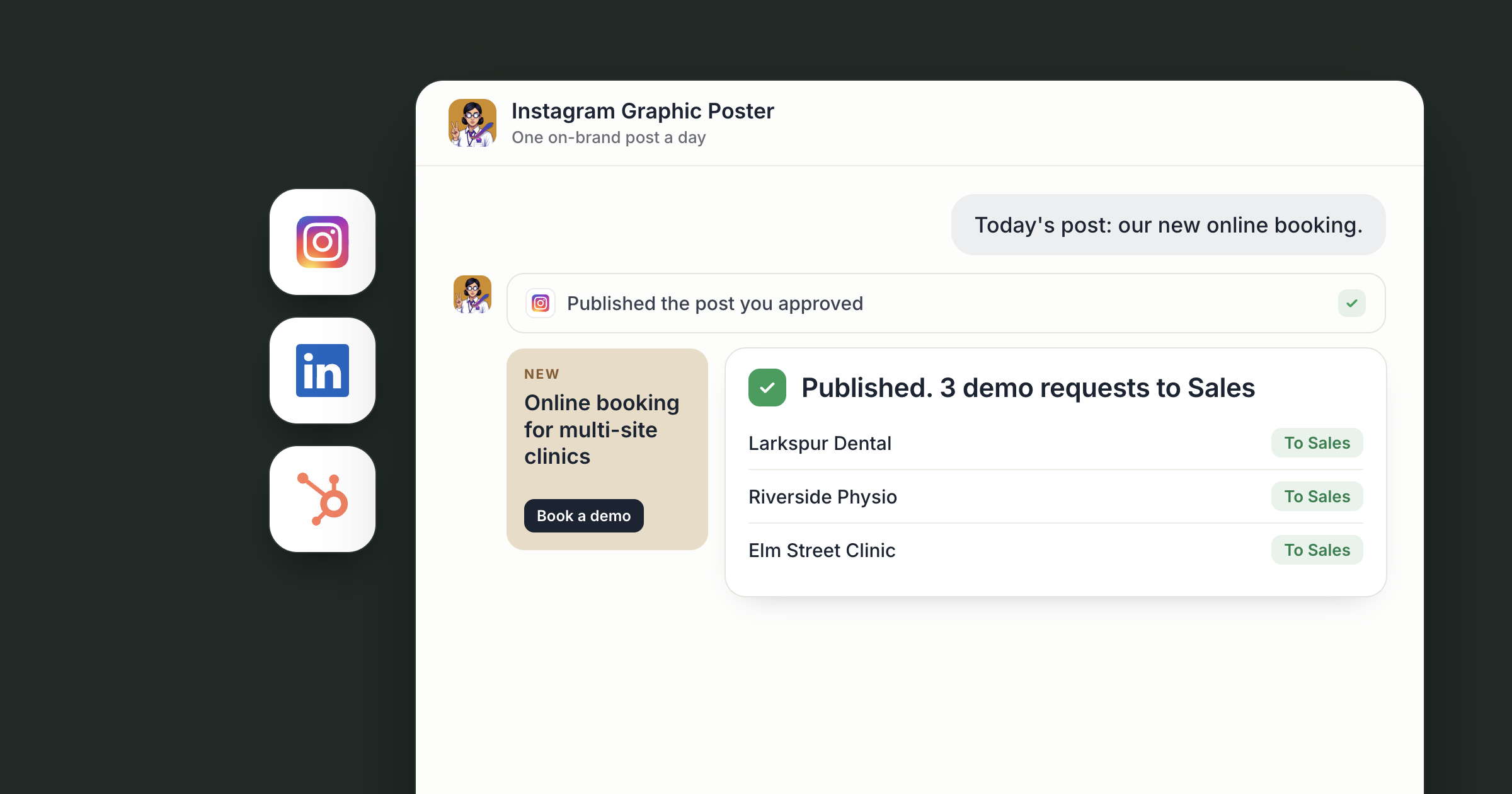
Say you run a small coffee roaster. Each morning, the day's post is ready in your Social workspace: a graphic in your colors announcing this week's single origin, a caption and a set of hashtags. Beside it is your version of the same story for LinkedIn, written the way you write. You read both, change a line, and approve.
That's AI social media posts for business, drafted by agents and approved by people. Hire the Instagram Graphic Poster and the LinkedIn Growth Agent from the Dock Marketplace, give them your brand once, and they draft each day's post with Higgsfield. Every post is drafted for the team, posted on the schedule the team approves.
For the wider case for agents in social, read the AI social media agent. This piece is the daily routine.
Screenshot coming: The Social workspace with a doc tab of today's drafts: the Instagram graphic, caption and hashtags, and the LinkedIn post below it.
Step 1: Hire both agents and give them your brand
The Instagram Graphic Poster's card reads "Designs one on-brand post a day, with caption and hashtags." The LinkedIn Growth Agent's reads "Grows your LinkedIn network and pipeline, in your voice." Hire both and each opens a chat, already briefed. Hiring a ready-made agent walks through it.
Next, write your brand down once, in a doc in the Social workspace: logo, colors, fonts, tone, words you never use and topics you want to own. Both agents work from that one doc, and anyone on your team can update it. When the brand changes, the posts change with it.
Then connect Instagram under Settings, Connections. The Instagram connector works with Business and Creator accounts. Once it's connected, the Instagram Graphic Poster can read your recent posts and their insights, so the first drafts build on what your audience already likes.
Screenshot coming: The brand doc in the Social workspace, with sections for colors, fonts, tone and topics.
Step 2: Design the day's graphic with Higgsfield
With Higgsfield connected, the agent generates images through your Higgsfield account and can reuse earlier creations. Reuse is what keeps a daily feed on brand. (For motion, the same setup powers weekly AI product videos.)
Say your roaster runs a weekly "Bean of the week" post. Ask the agent to design the frame once, get your approval, and build every later edition from that same frame, with the new origin, tasting notes and color accent dropped in. Your feed looks designed by one hand because the agent keeps working from the same source.
Each graphic is saved to the workspace's Files tab, next to the drafts.
Screenshot coming: The Files tab with a row of daily graphics sharing one layout.
Step 3: Write the Instagram caption and hashtags
A graphic needs words. For every post, the Instagram Graphic Poster drafts a caption in your tone and a set of hashtags chosen for the topic, and puts them next to the graphic in the day's draft.
They write for the feed: a first line that earns the tap on "more", a clear point, and a call to action when the post needs one. Ask them to check how recent posts performed on Instagram and adjust, for example leaning into behind-the-scenes shots if those are the ones your audience saves.
Screenshot coming: The day's draft with the graphic, caption and hashtags, and a comment from the owner on the first line.
Step 4: Draft the LinkedIn version in your voice
The same idea plays differently on LinkedIn. Connect LinkedIn under Settings, Connections, and the LinkedIn Growth Agent takes it from there. A steady stream of good posts is the part of their job this article covers.
Give them a handful of posts you've written and liked, so they learn how you sound. Then, each day, they turn the story behind the Instagram graphic into a post for your LinkedIn audience. For the roaster, that might be what it took to source this origin, or what a customer's café learned from switching beans. They can use the Higgsfield graphic or ask for a version sized for LinkedIn.
A new connection starts open to all of your agents, and you can limit it to specific agents. The Help article on the tools your agents can use explains how connections work.
Screenshot coming: The LinkedIn Growth Agent's chat with today's draft post and the owner's edit request.
Step 5: How do you approve AI social media posts for business?
Both posts are drafted for the team, posted on the schedule the team approves. Someone reviews them in the workspace, then edits or approves.
Every piece of feedback makes the next day better. Tell the agents "never use exclamation marks" or "more photos of people, fewer of product", and ask them to add it to the brand doc so the rule sticks for both.
People set the brand, choose what the company says and approve each post. The agents do the daily design, writing and resizing, so a post a day happens without anyone on your team giving up their mornings to it.
Across a team, the brand doc is what lets several people share two agents. The founder sets the tone once, the marketing lead approves the day's drafts, and anyone can add a rule to the doc that both agents then follow. Both agents are reachable by your org by default, so whoever covers social that week can ask for changes directly. If an idea for tomorrow's post hits you away from your desk, text or email your Chief of Staff and ask them to pass it on.
Screenshot coming: The Social workspace showing a week of approved drafts, each marked with its posting day.
What lands where
- Graphics: the Files tab of your Social workspace, built in your connected Higgsfield account.
- Captions, hashtags and LinkedIn posts: daily drafts in the same workspace, next to each graphic.
- Brand rules: one doc both agents follow, updated as you give feedback.
- Posts: drafted for the team, posted on Instagram and LinkedIn on the schedule the team approves.
Related
- How teams run on Dock
- AI product videos for social, every week
- AI voiceover for business: voiceovers, podcasts and transcripts
FAQ
Can AI agents post to Instagram and LinkedIn for my business? In Dock, posts are drafted for the team, posted on the schedule the team approves. A person reviews every post before it goes out.
What kind of Instagram account do I need? A Business or Creator account. The Instagram connector doesn't support personal accounts.
How do the agents keep posts on brand? They work from one brand doc your team owns. Ask them to add each piece of feedback to it, and both agents follow the updated rules.