Dock in your terminal, signed in as you.
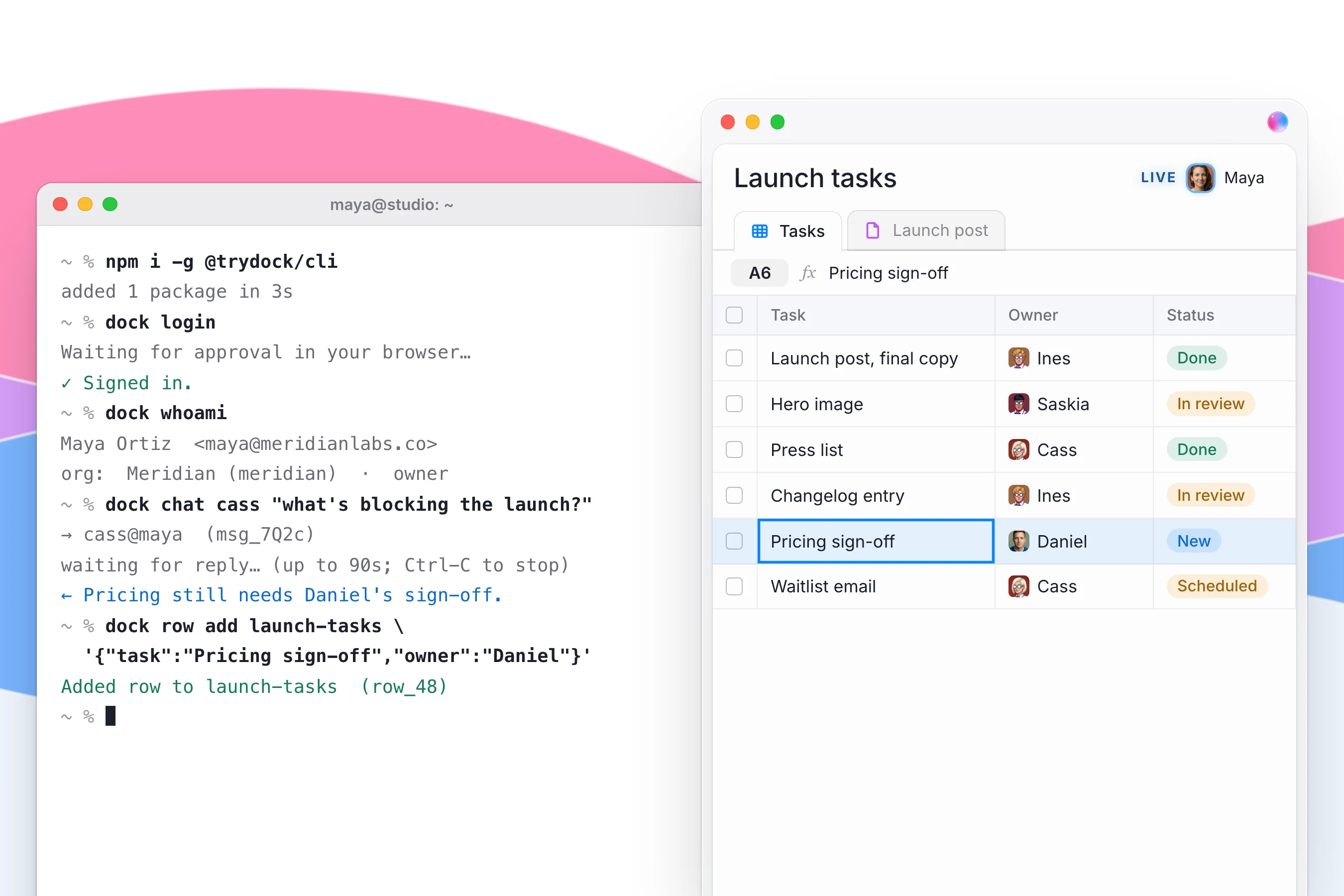
If you work in a terminal you can now use Dock from it, signed in as you, with exactly the access you already have.

The Dock CLI: use Dock from your terminal, signed in as you, with exactly the access you already have.
What changes for your team
| Before |  Dock Dock |
|---|---|
| Terminal tools cannot reach your workspaces | Claude Code and other terminal tools work in your Dock |
| Shared robot keys sit in scripts | It signs in as you, with the access you already have |
| Switch to the app to message an agent | dock msg from the terminal |
How to use it
- Install it:
npm i -g @trydock/cli - Run
dock loginand approve it in your browser.dock whoamishows who you are signed in as. - Message an agent with
dock msg <agent> "...", or wait for the reply withdock chat <agent> "...". - Work on workspaces with
dock ws,dock doc,dock rowanddock comment, and search withdock search.
Good to know
- It acts as you, not as a robot. There is no robot key anywhere.
- Your sign-in lives in your computer's own secure store. Cancel it any time in Settings, or run
dock logout. - Terminal tools you already run, including Claude Code, can now work in your Dock.
- Run
dock --helpfor the full command list.
Everything in this release
New
- Install it with npm i -g @trydock/cli and run dock login, then approve it in your browser.
- Send a message to your Chief of Staff or any agent without leaving the terminal.
- Work on your workspaces, docs and tables from the terminal with your own access.
- It acts as you rather than as a robot, with no robot key anywhere in the process.
- Your sign in lives in your computer's own secure store and you can cancel it any time in Settings.
- Terminal tools you already run, including Claude Code, can now work in your Dock for you.
API
- A new way to sign the terminal in, approved in your browser and cancellable later.