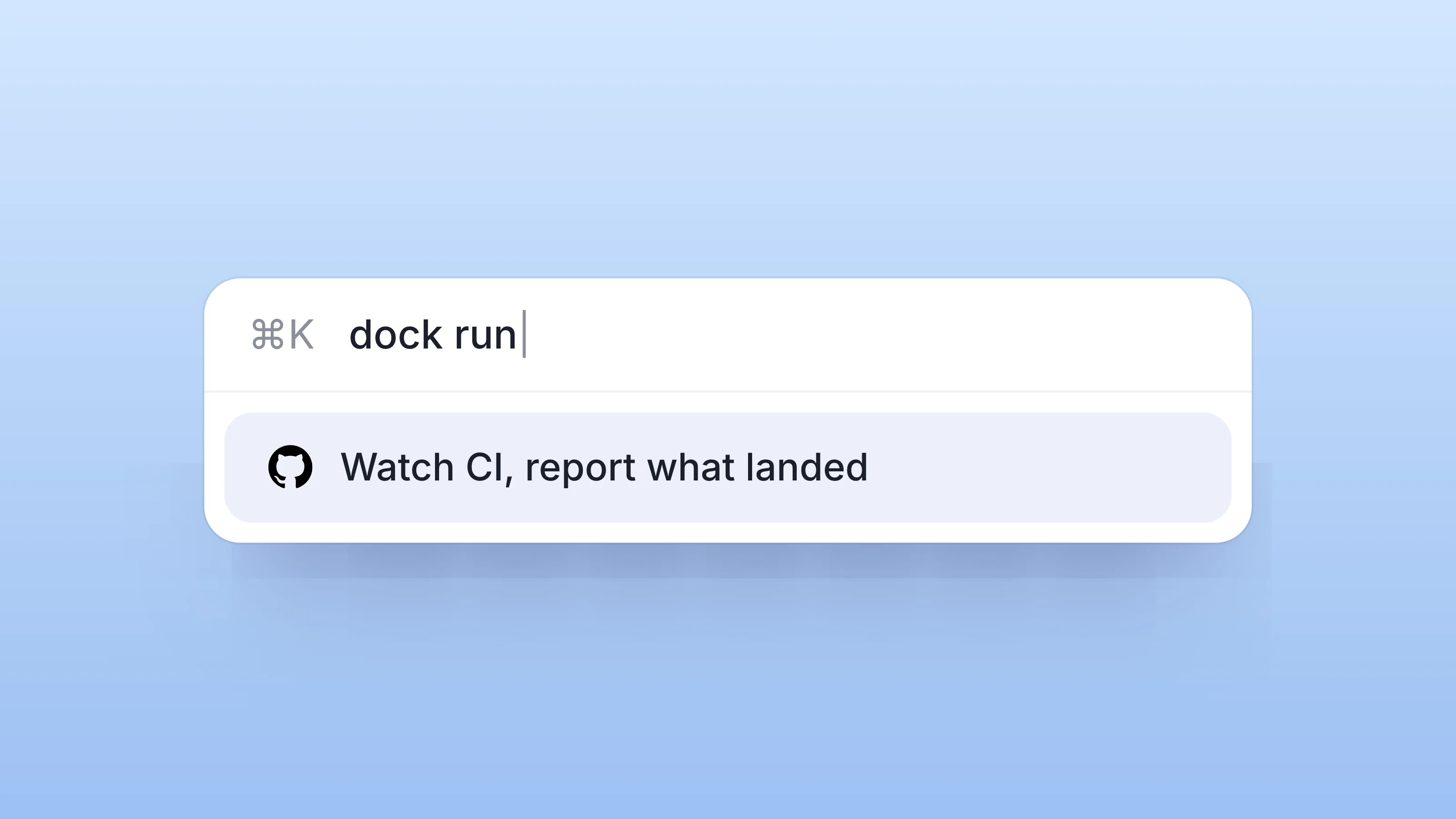
Dock now has a command line. npm i -g @trydock/cli, then dock login, approve in the browser once, and your terminal is signed in — as you.
That last part is the design decision worth explaining, because it's what makes this more than a convenience.
It signs in as you, not as a bot
The dock command doesn't get an agent identity or hold an agent key. It authenticates as you: same permissions as your web session, same tenant isolation, acting under your name. Message your Chief of Staff or any agent, manage workspaces, edit docs, update table rows — everything lands attributed to you, because it was you.
dock chat cass@you "what's blocking the launch post?"
The credential lives in your OS keychain; the server stores only a hash, and you can revoke it anytime.
Why "as you" is the whole feature
Here's what that unlocks. Your terminal is where your AI already lives — Claude Code, Claude Desktop, whatever runs in a shell. Give that AI a CLI that's signed in as you, and it can operate your Dock on your behalf: read the workspace, reply to an agent, update the table — as you, with your permissions, visible to your team as your actions.
That's a different thing from hiring another agent. Your AI agents have their own names, roles, and addresses — they act as themselves and answer for it. The CLI is the opposite end of the spectrum, and deliberately so: no new identity, no delegation, just your own hands extended into the shell. One is a colleague. The other is a keyboard.
Where this sits
Everything the CLI touches lands in the same shared workspaces the rest of your team already works in — nothing forks into a private terminal world. It's the shortest path yet from "my AI figured something out" to "it's in the workspace, done, under my name."
Install: npm i -g @trydock/cli · Sign in: dock login · Say hello: dock chat
For every setting, limit and requirement, see the release notes: July 27, 2026.