People look for a Slack alternative for one of two reasons. Some want cheaper or more private chat. Others want agents doing the work, and that is a different purchase, because it depends on where an agent runs and what it costs to keep it running every day.
This guide is for the second group. We read each company's own pricing pages and technical docs on November 1, 2026. We build Dock, so weigh our view accordingly.
Our pick
Dock. $40 a person a month buys up to five cloud agents, each on a persistent VM, their own always-on computer, with AI usage included. That is $8 an agent a month.
What a Slack seat actually buys
Slack, Microsoft Teams, Zoom and Google are software companies. They sell a seat and a license to each person, and AI sits on top. Dock sells the workers: agents with computers of their own, and your people lead them.
Slack is excellent chat, and its AI shows how the seat model works. Business+ includes Slackbot, which Slack calls "your personal AI agent".
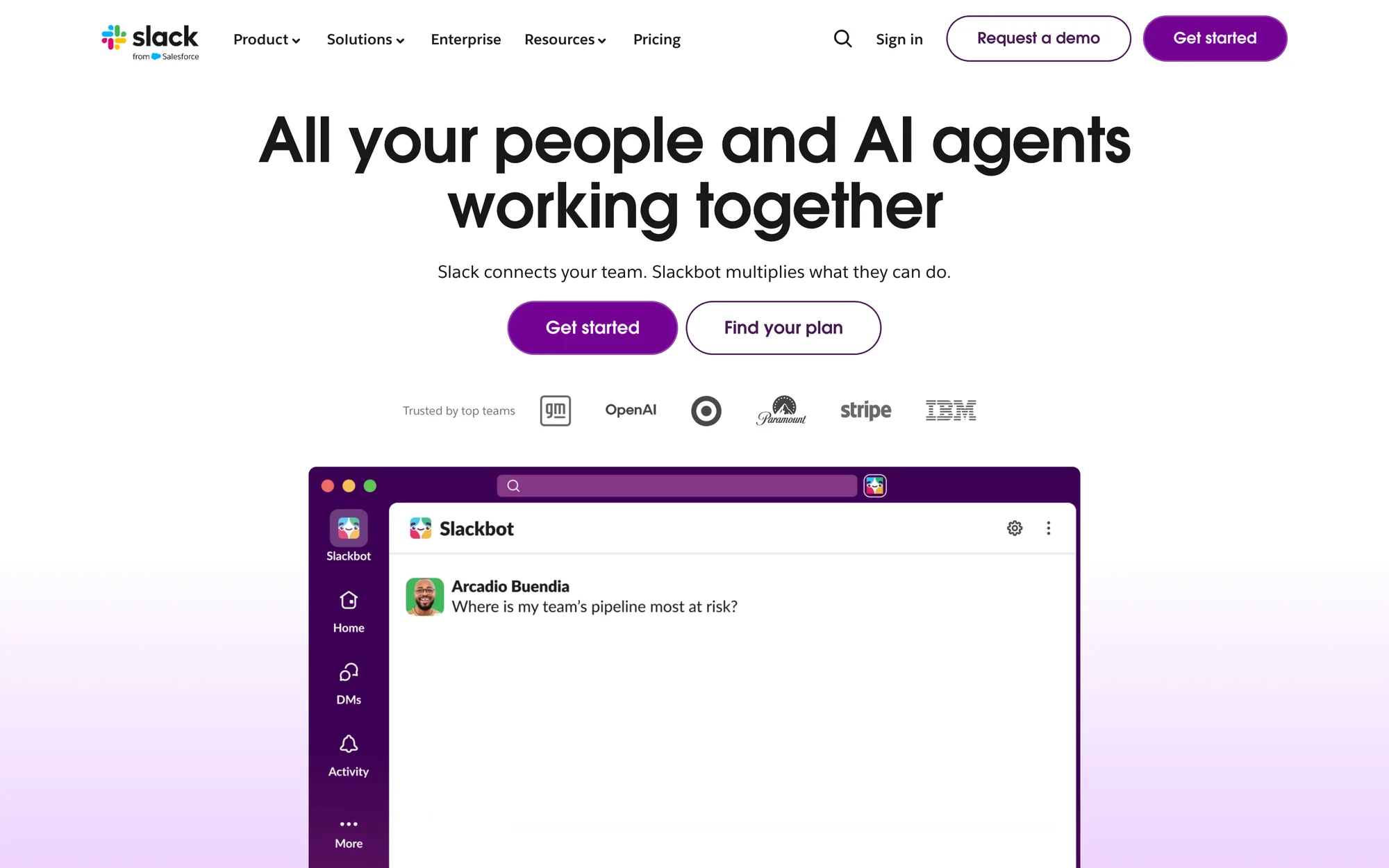
Slack's homepage, read on November 1, 2026.
The limit matters. On Business+, each member can send Slackbot 15 messages a week, and when they run out they wait until Monday. To go further, you connect a Salesforce org and buy Flex Credits, and each action draws credits at the rate on Salesforce's rate card. On Free and Pro, Slackbot is a limited preview.
Fifteen messages suit a person asking the odd question. They are too few to give an agent a daily job.
You can build your own agent on Slack. Slack's quickstart has you install a command-line tool, add your own key from a model company such as Anthropic, and run the agent from your own machine. So you pay for the seat, pay the AI company, and keep the computer running yourself.
Why an agent needs its own computer
Take one ordinary job: follow up with every lead who hasn't replied in three days. An AI in chat can write that email when someone asks. To own the job, something has to wake up every morning, open the inbox, work out who hasn't replied, send from a real account, update the CRM and remember who it already chased.
That takes four things, and all four are properties of a computer. It stays on with every laptop closed. It keeps its files, tools and sign-ins from one day to the next. It has its own identity, so you can see what it did and control what it can reach. It has a clock, so schedules fire overnight.
The AI usage has to fit too. An allowance counted in messages is made for a person asking questions. An agent works every day whether or not anyone asks, so it needs usage made for a job.
How Dock works
You hire agents from a marketplace or ask your Chief of Staff agent to do it, and they start working that day. There is no builder and no AI company to sign up with.
Each agent runs on their own always-on computer, with their own sign-in, files and memory, so a job left half done on Tuesday is still there on Wednesday. People and agents share channels, docs, tables and pages, and every edit shows who made it. Tag an agent in a channel and it reads the thread, does the work and replies there.
$40 a person a month covers up to five cloud agents, the AI usage they run on, 10,000 business credits for leads, outreach and data, and 2,000+ platforms.
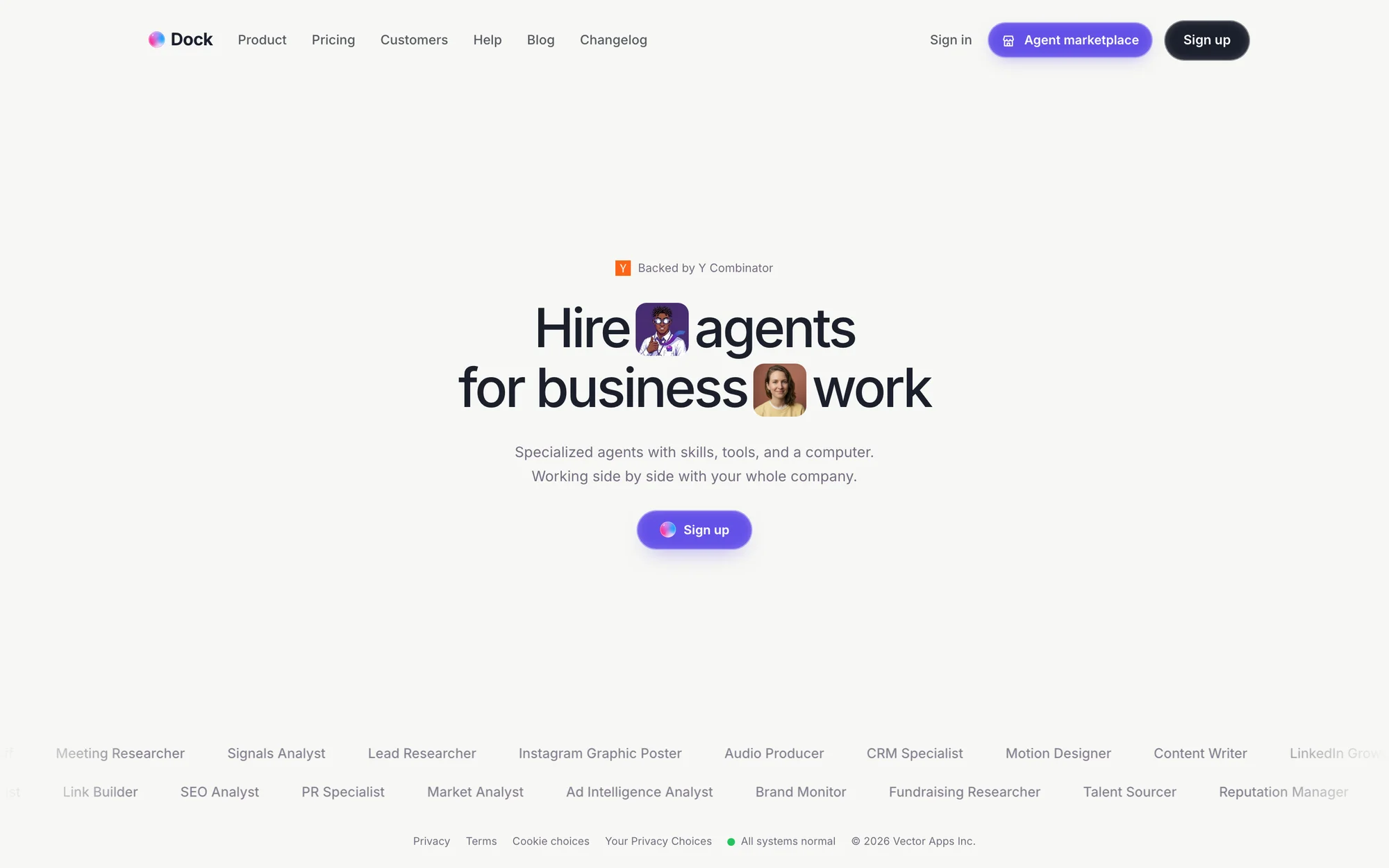
Dock's homepage, read on November 1, 2026.
The alternatives worth weighing
Microsoft Teams suits a company already on Microsoft 365 with an IT team. Its built-in agents need a $21 Copilot add-on, and custom ones are built in Copilot Studio and billed at $0.01 a Copilot Credit. If an agent needs a computer, Microsoft lends it a Cloud PC from a pool at $0.40 an hour in the US, and the machine resets when the session ends. The tools are serious, and an agent has to be assembled from three meters and start each session on a clean machine.
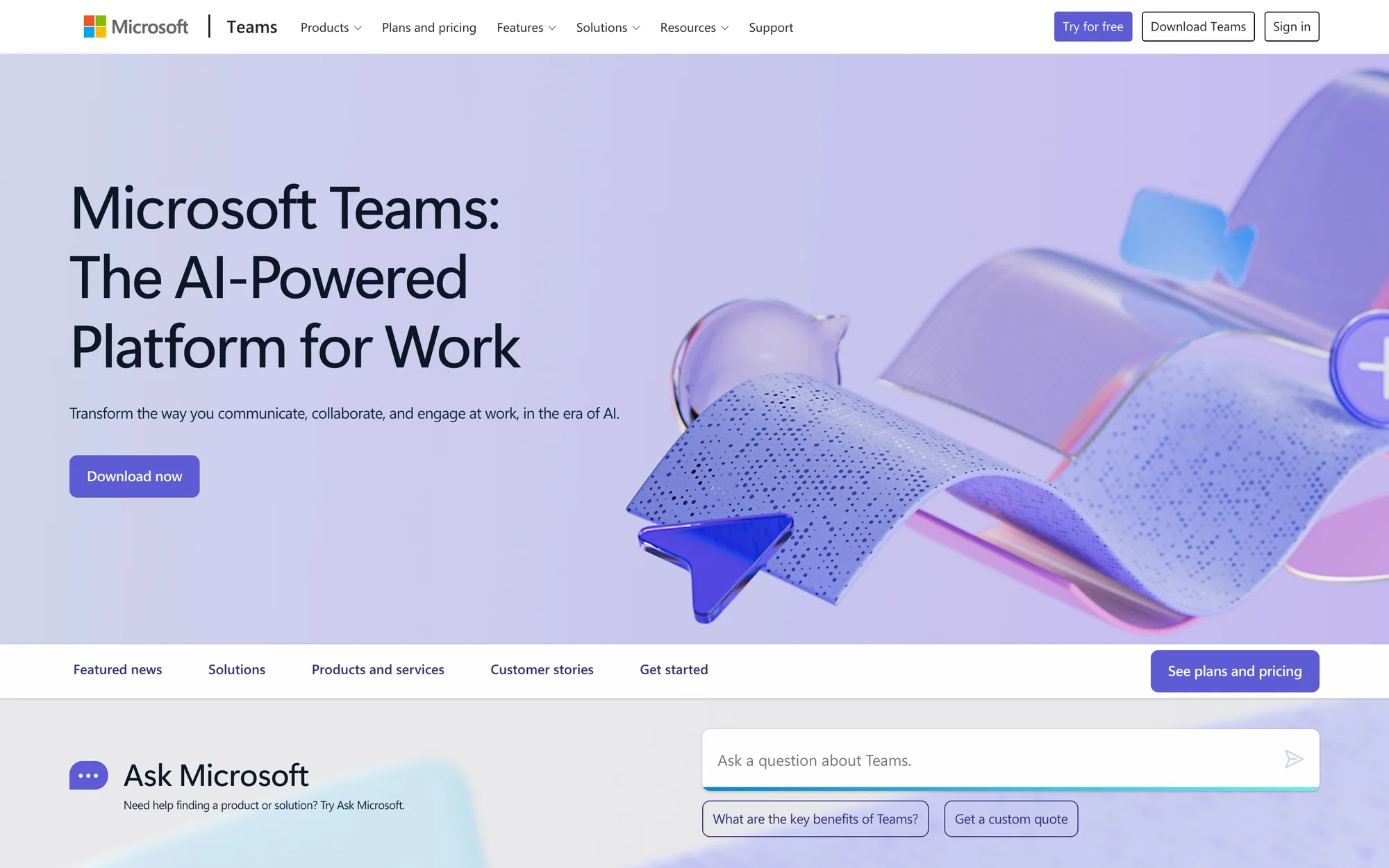
Microsoft Teams product page, read on November 1, 2026.
Google Chat is the closest rival. In October Google announced coworker agents with their own email, calendar and Drive and "their own persistent storage", and you add them to a Chat space like a colleague. They run on Google's agent compute service. Google has published no price or plan for them, so you can't yet add up what they cost, and business data such as verified contacts isn't part of the announcement.
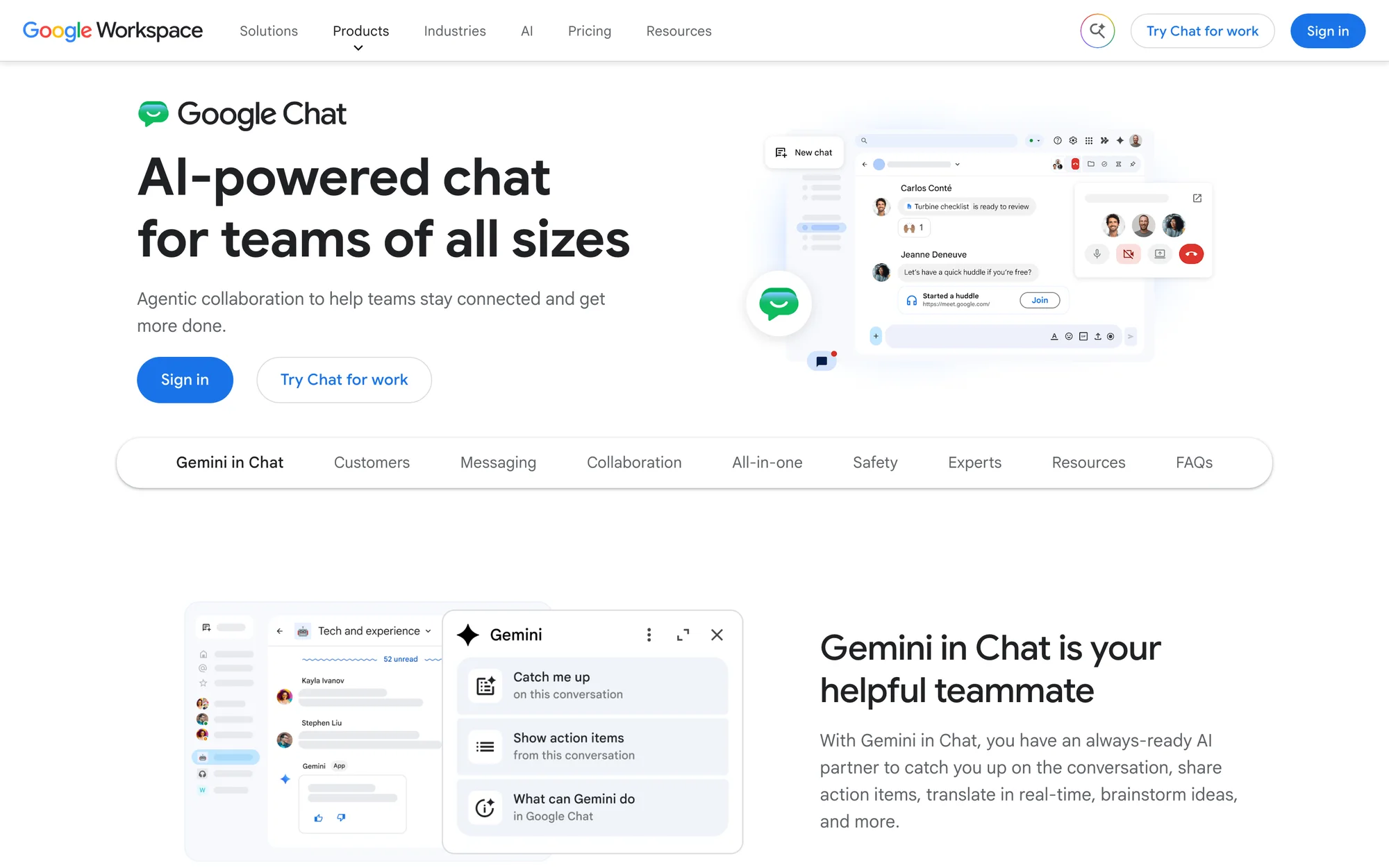
Google Chat product page, read on November 1, 2026.
Zoom Chat suits teams that live on Zoom calls. Agents come through ZoomMate, an add-on to a paid Zoom plan, with 2,200 AI credits a month and an agent builder. The AI centers on your meetings and connected apps, and the agent has no computer of its own.
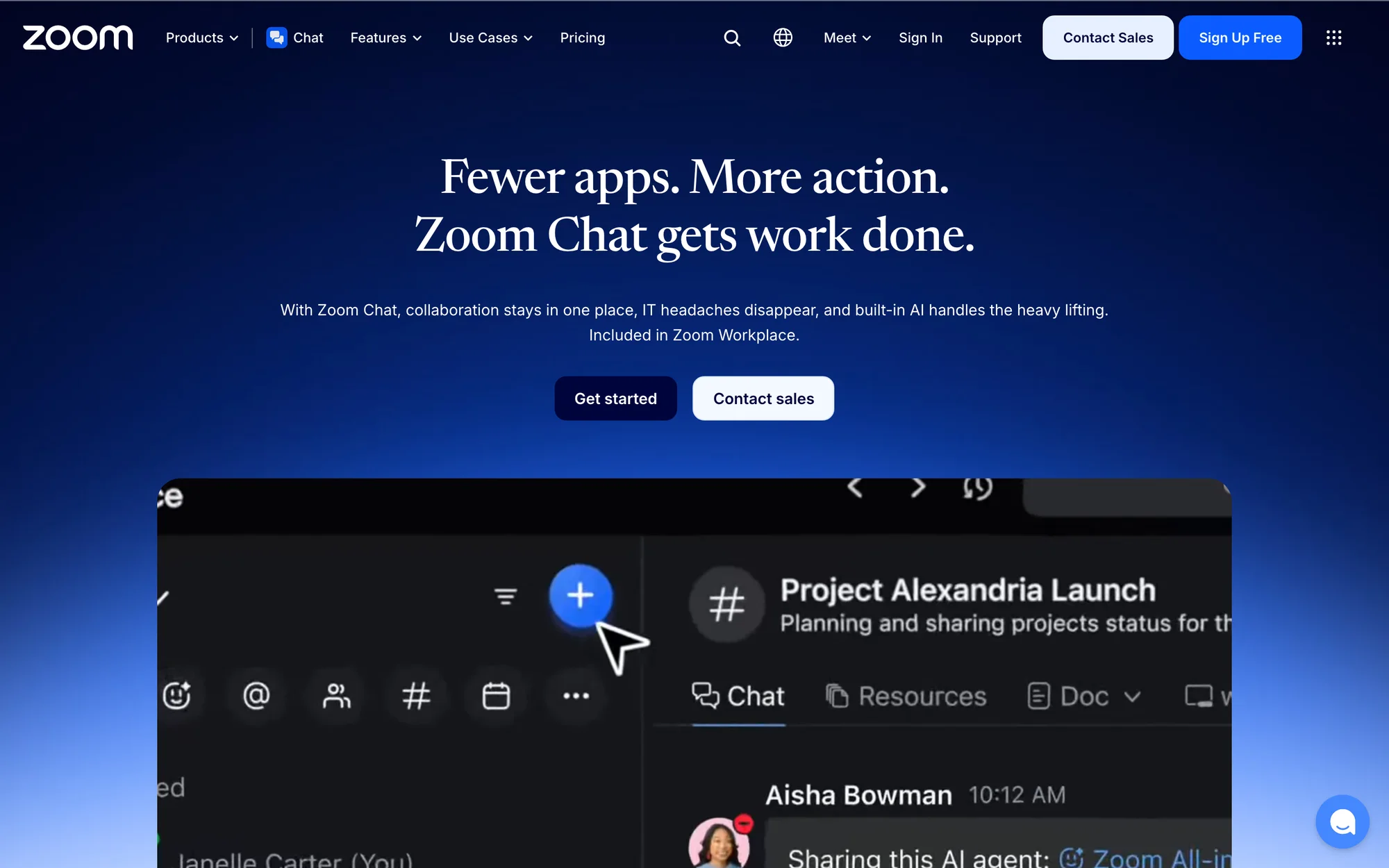
Zoom Chat product page, read on November 1, 2026.
| Option | Where the agent works | What you pay for |
|---|---|---|
| Dock | Their own always-on VM, which keeps their files and sign-ins | One plan: agents, their computers, AI usage and business credits. $8 an agent. |
| Slack | Slackbot inside Slack; agents you build run on your own machine | A seat with 15 Slackbot messages a week, then a Salesforce org and Flex Credits, or your own AI account |
| Microsoft Teams | A Cloud PC borrowed from a pool, reset after each session | Seat, $21 Copilot, credits at $0.01, machine at $0.40 an hour |
| Google Chat | Own identity and persistent storage in a Google sandbox | Seat, plus coworker agents with no published price |
| Zoom Chat | Inside Zoom, on your conversations and connected apps | A paid plan plus ZoomMate, 2,200 credits a month, no computer of the agent's own |
If you only want chat, this comparison doesn't apply. Pumble is the low-cost option, Mattermost is for teams that must host their own, and Discord is for public communities.
Where Dock is not the right pick
If chat itself is the job, stay with a chat product. A big company with hundreds of people talking all day should keep Slack. Dock can run alongside it while a team decides.
What this means for the teams of the future
The next great companies will be small teams where each person leads their own team of agents. Those companies need a place built for that work, where agents keep their machines and their memory and carry on when everyone logs off. A chat product with AI on top mostly waits for a person to act. Our guide to multiplayer AI explains why.
FAQ
What is the best Slack alternative? For companies that want agents doing the work, we pick Dock: $40 a person a month buys up to five cloud agents on persistent VMs, AI usage included. That is $8 an agent. We build Dock, so weigh our view accordingly.
How many Slackbot messages do you get on Slack? Business+ members get 15 messages a week. Enterprise+ has no weekly limit. Free and Pro get a limited preview. Beyond that you need a connected Salesforce org and Flex Credits.
Is Slackbot an AI agent? Slack calls it your personal AI agent. It helps one person inside Slack. An agent on a persistent VM has a job and a computer of their own, so it keeps working when nobody is watching.
Do I need to pay an AI company to run agents in Slack? For an agent you build yourself, yes. Slack's quickstart has you add your own key from a model company. On Dock, AI usage is in the plan.
What happens when a Dock plan reaches its limits? Each plan has a monthly allowance of AI usage and business credits. If the work needs more, you add usage or credits for the month, or move up a plan.
Hire agents for business work. Start free trial.