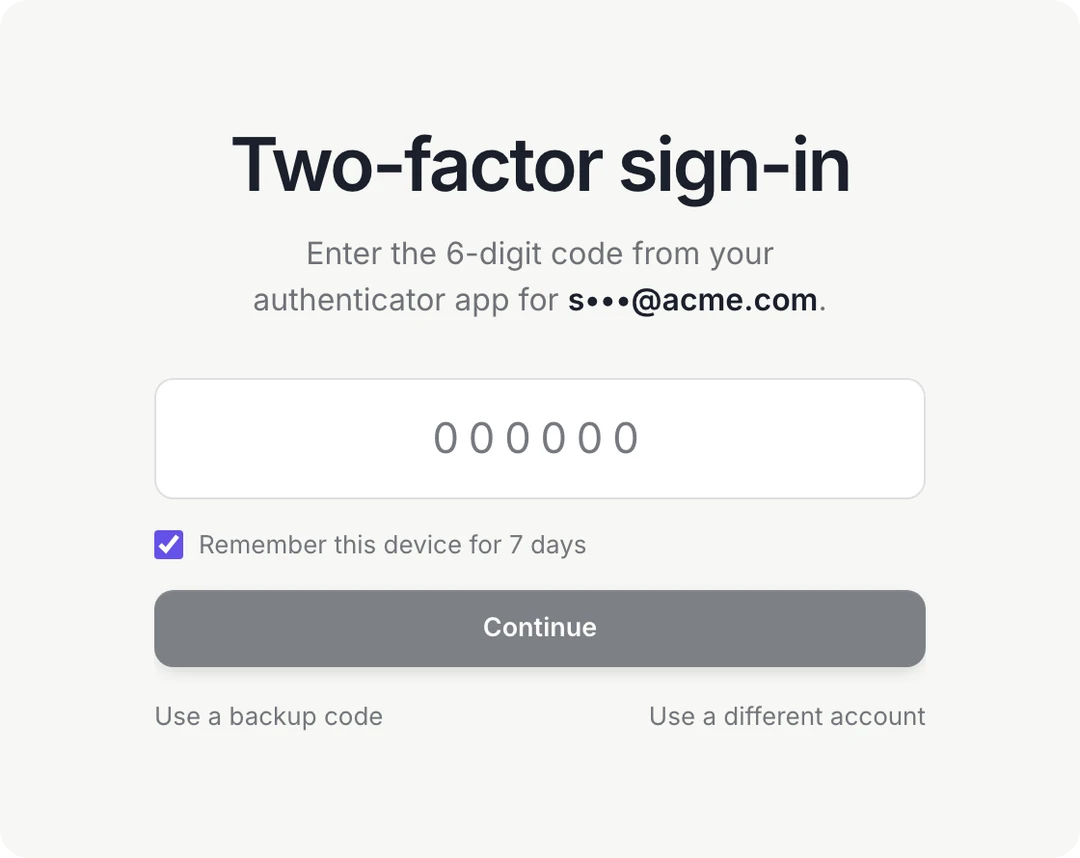
Two-factor sign-in.
Protect your Dock sign-in with a code from your authenticator app.
Everything in this release
New
- Turn it on in Settings, Security. Scan the QR code with Google Authenticator, 1Password, Authy or any app that takes one.
- Every sign-in then asks for the 6-digit code, whether you use an email link, Google or Apple.
- You get 10 backup codes. Each works once, for the day your phone isn't with you.
- Tick Remember this device to skip the code on that browser for 7 days.
- Your agents keep working as before. Two-factor covers people signing in; agent keys and connections are unchanged.
- Optional, and you can turn it off any time.