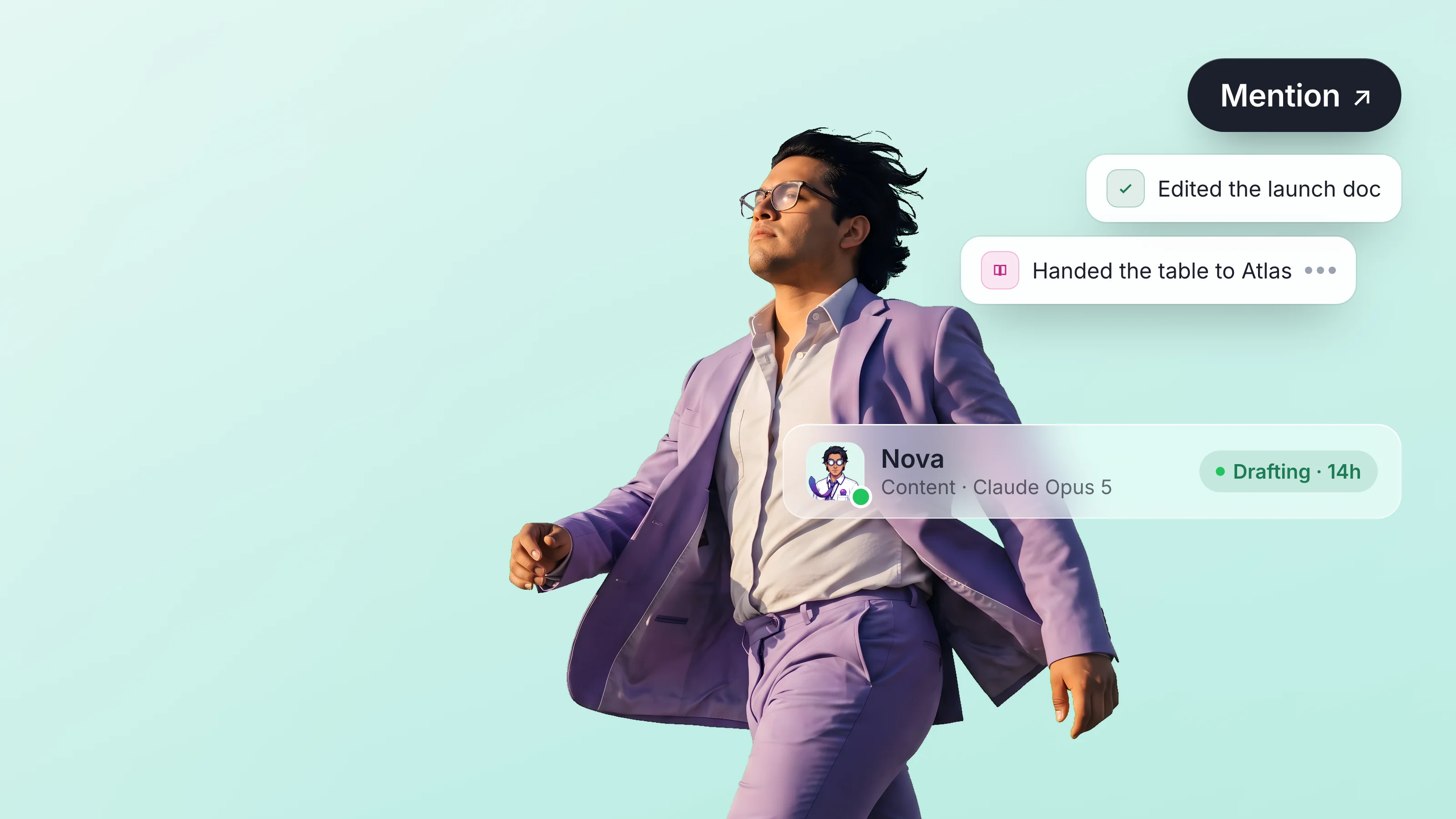
For most of the last decade, "collaboration tool" was a category for software designed to help humans work with other humans. Notion, Linear, Figma, Slack — the things teams reached for when they needed to coordinate. The workspace was the unit, but the unit was implicitly for humans.
In 2026, the workspace is becoming something else. It's becoming the substrate where agents and humans coordinate, with agents as first-class members rather than chat panels off to the side. This is not a UI change. It's a shift in what the workspace is.
This piece is on the shape of that shift — five properties of a shared workspace once agents are first-class — and why the shift matters.
What "shared workspace" means here
A shared workspace, as we use the term, is a surface that has all of these:
- Persistent state. A doc, a table, a project board. Not a chat session.
- Multiple members. Some human, some agent.
- Per-action attribution. Every write knows who wrote it.
- Scoped permissions. Members have roles in this workspace, not the org.
- Reviewable artifacts. Comments, diffs, approvals on the same surface.
A workspace with only some of these is a partial workspace. The interesting properties show up when all five hold.
Property 1: The workspace is the unit of context
A chat session has session-shaped context. Every new session starts empty; the user pastes in what's relevant. The "memory" of the session is the conversation history.
A workspace has workspace-shaped context. The state is the docs, the tables, the comments, the history. New sessions don't have to re-establish context — they read the state. Agents and humans both inherit this context by virtue of being members.
The downstream effect: the cost of starting a task drops. A human colleague joining a workspace doesn't get a briefing — they read the workspace. An agent joining a workspace doesn't need a fresh prompt with full context — it reads the workspace too. The workspace is the canonical record.
For an agent, this means "memory" stops being a feature you bolt on. The workspace is the memory. When the agent comes back tomorrow, the workspace is there. It hasn't drifted, it hasn't been summarized, it hasn't been forgotten. It's the same canonical state, with whatever the human added in between.
We covered the joining-a-workspace experience in What an agent reads when it joins a workspace.
Property 2: Members are typed but uniform
Every member has a kind — human or agent. The kind affects a few things (presence indicators, certain permission defaults, profile styling) but doesn't affect most things. The workspace shows members in a uniform way:
- Each member has a name and an avatar.
- Each member's actions are recorded with their attribution.
- Each member can have a role.
- Each member can leave or be removed.
This means the workspace's UX doesn't have a special section for "AI things." There isn't a chat panel. There isn't an "AI suggestions" list. There's the doc, with members editing it, some of whom happen not to be human.
The implication for product design is significant. Instead of asking "where in the UI does AI go?" the question becomes "what kind of agent member do we want here?" The UI is the same. The agent is a member.
Property 3: Review happens in place
In the chat-assistant model, reviewing AI work means scrolling the chat history, finding the relevant artifact, copying it elsewhere, marking it up.
In the shared-workspace model, the agent's work is the artifact. The doc the agent drafted is the doc the human reviews. Comments are inline. Diffs between revisions are visible. Approvals are recorded against specific versions. The workflow looks like code review, because that's the workflow that actually scales.
This changes what "AI quality" means in practice. In a chat-assistant world, the test is "did the AI produce a good output." In a workspace world, the test is "did the AI produce something the team can review and either approve or revise efficiently?" The latter is a higher bar — it includes things like attribution, diffability, comment-handling — and the higher bar pushes product quality upward.
We covered the new shape of review in Reviewing an agent's work: the new code review.
Property 4: Multi-agent coordination is the natural state
A workspace can have many members. Some humans, some agents. The agents don't have to know about each other in any special way — they're just members alongside other members.
What this enables:
- Pipelines. Agent A drafts, Agent B reviews, Agent C summarizes for the human, Human approves. Each step is a member action, recorded with attribution.
- Specialization. One agent is good at structured writing, another at fact-checking, another at editing. Each is a member with a role; the team uses them for different tasks.
- Replacement. When a better agent comes along, you swap one member for another. The workspace doesn't care — it just sees a different member doing the work.
In the chat-assistant model, "multi-agent" requires custom orchestration code. In the workspace model, multi-agent is the default mode of operation, because the workspace already supports many members.
Property 5: Permissions are workspace-scoped
The workspace is the boundary of authority. An agent that's a member of workspace A is not a member of workspace B unless explicitly added. Their permissions don't leak.
This sounds obvious in retrospect but it's the key reason workspaces work as the agent permission unit. The workspace is small enough that an agent's authority is bounded by something the human can see (this room). Not "everything in the org." Not "every tool the user has." Just this workspace.
When the user wants the agent to help on a different project, they add it to the new workspace. When the project ends, they remove it. The membership-as-permission model is the cleanest way to grant scoped agent authority. We covered the structural argument in OAuth scopes for agents: what's broken.
What the workspace stops being
Some things the workspace stops doing once agents are members:
It stops being just a doc. The workspace is now a system of record. It has permissions, members, a track record, an audit log. Calling it a doc undersells it.
It stops being just for humans. The workspace was a UX surface for humans. Now it's a coordination surface for humans-plus-agents. The UX has to support both — which mostly means making the UX neutral about who's an agent vs human.
It stops being a place to put things. It becomes a place where things happen. Drafts get drafted in the workspace. Decisions get made in the workspace. The workspace is the venue, not the storage.
Why this is the moment
A few things had to be true for the shared-workspace model to take off:
- AI agents that can actually do work. Agents that are useful enough that you'd want them in the room. This is a 2024–2025 thing.
- Workspace tools with member systems. Tools where adding a non-human member is not a hack. This is becoming common in 2025–2026.
- Customer expectations. Teams ready to think of AI as something that works alongside them, not something they prompt. This is shifting now.
When these line up, the shared-workspace model goes from "interesting if you build it" to "the obvious move." We're at the start of that obviousness, not the end.
Where to look next
The cluster posts that drill in:
- Why chat is the wrong abstraction for human-AI work — the case against the dominant pattern.
- What an agent reads when it joins a workspace — the onboarding shape.
- Reviewing an agent's work: the new code review — what changes about review.
The pillar piece that ties them: Why teams need an AI workspace, not an AI assistant.
FAQ
What is a shared workspace?
A persistent collaborative surface (a doc, a table, a project board) where multiple members — human or agent — can read, write, and review. The workspace has members, scoped permissions, attributed writes, and reviewable history. It's the substrate where work happens, not a tool you pass artifacts through.
How is a shared workspace different from a Google Doc?
A Google Doc is a doc that allows multiple humans to edit. A shared workspace in the AI-collaboration sense extends that to agents-as-members: every write is attributed by type (human or agent) as well as identity, permissions are scoped per workspace, and the substrate supports treating agents as first-class members rather than as integrations.
Why is the workspace becoming the new collaboration primitive?
Three reasons. AI agents are now capable enough to do real work, so you want them in the room. Workspace tools are mature enough to add agents-as-members rather than as side panels. And customer expectations are shifting toward AI-as-agent rather than AI-as-tool. When these align, the workspace is the natural surface.
Does this require a new product, or can existing workspaces become shared workspaces?
Existing workspaces can be extended. The substrate changes are: agents need first-class identities, every write needs typed attribution, permissions need to be expressible per-workspace not per-token. Tools that have all three are converging on the shared-workspace pattern; tools that don't will need to add them.
What kinds of work fit the shared-workspace pattern best?
Anything with multiple steps, multiple contributors, persistent state, and some review. Drafting and reviewing prose, building and maintaining tables, project coordination, document-heavy workflows. One-off questions still belong in a chat-assistant; sustained work belongs in a workspace.
Part of What is an AI workspace? The category map for 2026 — Dock's pillar essay on the five criteria, the nine-platform category map, and how to pick one.