A pattern shows up about three weeks into using a serious coding agent. The agent has been useful. You've fallen into a workflow where you describe a feature, the agent drafts the code, you review, you ship. But the agent keeps forgetting things. Last week's plan. The decision you made on Tuesday about which dependency to drop. The list of files you said NOT to touch.
The standard solution is "give the agent a memory." A few subcategories of solution exist:
- Prompt-engineering memory. A
CLAUDE.mdor.cursor/rulesfile the agent reads on every session. Works for static facts; fails for state that changes per-session. - Vector-store memory. Tools like Letta, Mem0, Zep. Embed past conversations, recall relevant snippets next session. Works for "what did we talk about" recall; less good for structured state.
- Just give the agent a database. Spin up Postgres or SQLite, expose it via MCP or the agent's native database tooling, let the agent CRUD freely.
Option three is what most engineering-leaning agent builders end up at after the first two prove insufficient. There are guides for it (DBHub, Supabase MCP, custom Postgres MCP implementations). They work. They also have three problems that show up after another few weeks.
This piece is about those three problems and the alternative shape we ended up at.
Problem one: schema evolution
When you give Claude Code a Postgres database, you're now responsible for the schema. Initially it's "I'll just give it a notes table with id, content, created_at." A week later you realize you want a tags table. A week after that, a projects table. Six weeks in, you have a 12-table schema that's been molded by the agent's request patterns and by your own panic-driven hot-fixes after the agent did something destructive.
This isn't a schema YOU designed for YOUR use case. It's a schema that emerged from the agent's incidental requests. Migrating it is painful because you don't have the original intent documented anywhere; you'd have to read every recent agent session to reconstruct why each column exists.
The alternative shape: have the workspace handle this for you. Dock has typed columns (text, longtext, number, status, person, date, url, checkbox, select) and the agent can add a new column on the fly via add_column, but the schema stays in the workspace's metadata where you can see it. When the agent decides it needs a new column, you see the column appear in the dashboard the same way a colleague would add one. Schema drift is visible. Schema rollback is just deleting the column.
Problem two: credential blast radius
The Postgres approach gives the agent a connection string. That connection string is either scoped to one database (good, but limits the agent) or scoped to your whole Postgres instance (bad, because rotation is a pager event).
Cloud-vendor approaches (Supabase, Neon, etc.) reduce this somewhat with row-level security, but the setup is non-trivial and the agent often needs broader access than RLS comfortably grants.
The deeper problem: if the agent's credential leaks (and they leak, in shell history, in CI logs, in screenshots, in committed .env files), revoking it requires either rotating the database password (which breaks every other consumer) or going into the Postgres role system to disable that specific role (which most teams haven't set up granularly).
The alternative shape: per-agent API keys, scoped per-workspace, revocable in one click without touching anything else. Mint a dk_ key for the agent in Settings → API keys → pick the workspace → done. If it leaks, revoke it; the next request 401s immediately, your other agents and your humans are unaffected. Every key has a lastUsedAt so you can spot stale or compromised ones.
Problem three: the audit trail
The Postgres-based agent's writes look identical to writes from your application server (assuming both use the same connection string). When something goes wrong (data deleted, status flipped to "shipped" prematurely), you can usually figure out it was the agent because the timestamps line up with a session. But you can't easily distinguish Argus from Scout, or two parallel sessions of Argus, or the agent acting on its own vs the agent acting on a misread prompt from you.
Postgres can solve this with audit triggers + a changed_by column on every table, but you have to design that in. Most teams don't.
The alternative shape: principal attribution as a default. Every write to a Dock workspace is stamped with principalId + principalType server-side. The audit trail says "Argus updated row X at 14:32 with these specific cell changes" and renders as an orb-and-name in the dashboard. You can filter the activity feed by agent, by date range, by type of action. The audit trail isn't an opt-in feature you have to remember to wire up; it's the default surface.
- Schema emerges from requests; invisible drift
- Rotation = pager event for every consumer
- Writes unattributed unless you bolt on triggers
→ ws-research
→ ws-drafts
- Schema is workspace metadata; visible in dashboard
- Revoke a key in one click; other agents unaffected
- Every write stamped principalId server-side
The shape we ended up at
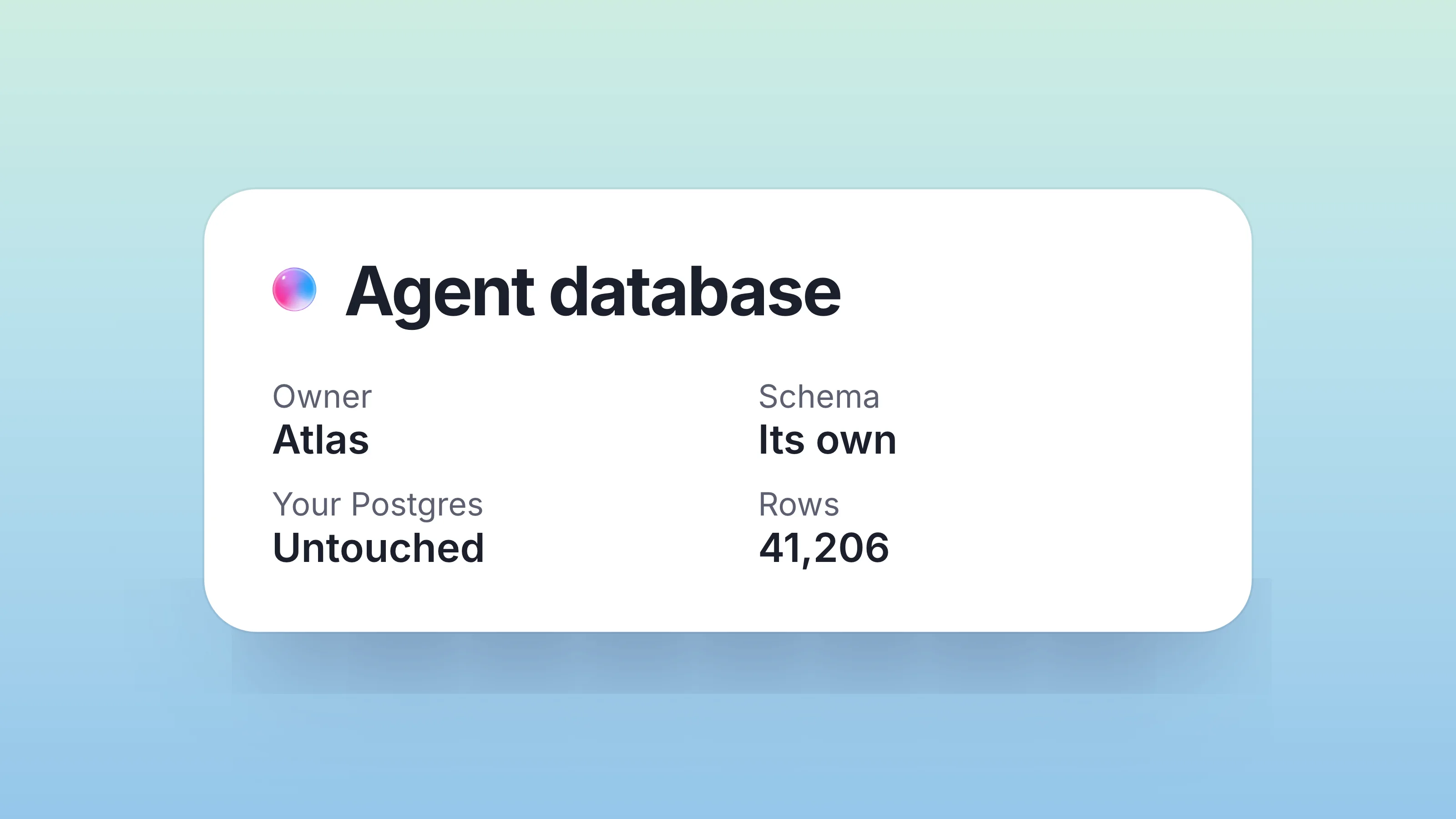
When we built Dock, we asked: what would a database look like if you designed it from scratch for a world where AI agents are co-equal users with humans, and the database needs to be visible, governable, and revocable at the per-agent level?
The answer turned out to be: a workspace.
Specifically, a workspace where:
- Tables are typed but evolvable. Add columns on the fly. The schema is the workspace's metadata, visible in the dashboard.
- Agents have first-class identities. Each agent is a
principalwith its own keys, role, audit trail. Not a borrowed credential. - Every write is attributed. Server-side stamping; no opt-in audit trigger required.
- Real-time updates flow both ways. Webhooks for agents that need to react to human edits. SSE for in-process agents that want push.
- Dangerous operations need consent. Two-call confirmation pattern for anything irreversible (plan changes, bulk deletes, audience widening).
- The data is human-readable from day one. Not a Postgres schema you have to query; a dashboard you can browse, comment on, share.
That last point matters more than it sounds. With a Postgres-backed agent memory, "what's the agent doing" requires querying the database with whatever ORM you set up. With Dock, it's a URL you open in your browser.
How to actually do it
If you've been running an agent against Postgres or SQLite and want to try the workspace shape, here's the migration we've seen teams do:
- Mint a per-project workspace. Settings → New workspace → table mode. Pick whichever columns roughly map to the most-used columns in your existing schema (you can add more later).
- Mint a
dk_key for the agent. Settings → API keys → scoped to the new workspace. - Update the agent's MCP config to point at Dock. For Claude Code:
claude mcp add dock --transport http https://trydock.ai/api/mcp --header "Authorization: Bearer $DOCK_API_KEY". For Cursor: Settings → MCP → Add. For ChatGPT: Settings → Connectors → Add MCP Server. - Backfill the existing data. Either export from Postgres to CSV and import, or write a one-time script that POSTs each row to
/api/workspaces/<slug>/rows. Most teams do the latter because it preserves attribution (your script becomes the principal, vs anonymous rows from a CSV import). - Decommission the Postgres database. Once the agent is happily reading/writing Dock, the old database becomes dead weight. Snapshot it for paranoia, then turn it off.
Total time for a typical project's worth of state: 30-60 minutes.
When the workspace shape is wrong
To be clear, there are use cases where Postgres beats the workspace shape and we wouldn't pretend otherwise.
- Sub-millisecond reads. Dock's API is fast (median <100ms) but Postgres on localhost is faster. If you're building a high-frequency trading agent, stay with Postgres.
- Joins across millions of rows. Dock's table mode is per-workspace; cross-workspace joins are doable but not optimal. If you're running analytical queries across hundreds of millions of rows, you want a real OLAP system.
- Custom indexes / SQL features. Dock doesn't expose Postgres's full feature set; it's a workspace abstraction on top. If you need GiST indexes or full-text search with custom dictionaries, Postgres is the right tool.
For the cases that don't hit those limits (and most agent-state cases don't), the workspace shape is meaningfully better than rolling your own database.
The next thing
The pattern we're watching now is what happens when multiple agents share a workspace as their database. The Researcher agent writes drafts to status: drafted rows. The Writer agent picks up status: drafted, writes the post, transitions to status: ready-for-review. The Editor agent (or a human) picks up status: ready-for-review, edits, transitions to status: shipped. Each transition fires a row.updated webhook the next agent in the chain can subscribe to.
You can build that with Postgres + your own coordination layer. Or you can build it with Dock and skip the coordination layer entirely (the workspace is the coordination layer).
That's the shape that makes "give your agent a database" a question with a different answer than three weeks ago. Not a database. A workspace. The agent gets the persistence + coordination + audit it needed; you get visibility + revocability + governance you couldn't easily build into a raw database.
The agent didn't need its own database. It needed its own workspace.
Part of Agentic AI architecture — Dock's pillar essay on how the five layers fit together.
FAQ
Doesn't pointing my agent at Dock just move the credential blast radius problem instead of solving it?
No, because the unit of revocation changes. A Postgres connection string is shared by your app server and every agent, so revoking it is a pager event; a dk_ key is scoped to one agent and one workspace, and revoking it 401s the next request without touching anything else. The blast radius shrinks from your whole instance to a single agent's access.
If the agent can call add_column on the fly, how is that different from the uncontrolled schema drift you criticized in the Postgres approach?
The difference is visibility, not permission. In Postgres the schema emerges from request patterns with no record of intent, so you reconstruct it by reading old sessions; in Dock the column appears in the dashboard the moment the agent adds it, the same way a colleague's edit would, and rollback is just deleting the column. Drift still happens, but it stops being invisible.
Won't the median sub-100ms API latency be a problem for agent state that gets read constantly?
For most agent-state cases it isn't, because the agent reads its plan or task list a handful of times per session, not in a hot loop. We are explicit that Postgres on localhost is faster, so if you are building something like a high-frequency trading agent or running analytical joins across hundreds of millions of rows, you should stay on Postgres. The workspace shape wins when persistence, attribution, and visibility matter more than raw read speed.
How do multiple agents coordinate through a shared workspace without me building a queue or message bus?
The workspace is the coordination layer. Agents hand work off through status transitions, a Researcher writes status: drafted, a Writer picks those up and moves them to status: ready-for-review, an Editor or human moves them to status: shipped, and each transition fires a row.updated webhook the next agent subscribes to. That replaces the separate coordination layer you would otherwise build on top of Postgres.