More than one Gmail account.
Connect up to five Gmail accounts, so your agents work from the right inbox.
Everything in this release
New
- Your agents can work from a work and a personal Gmail. Connect up to five accounts.
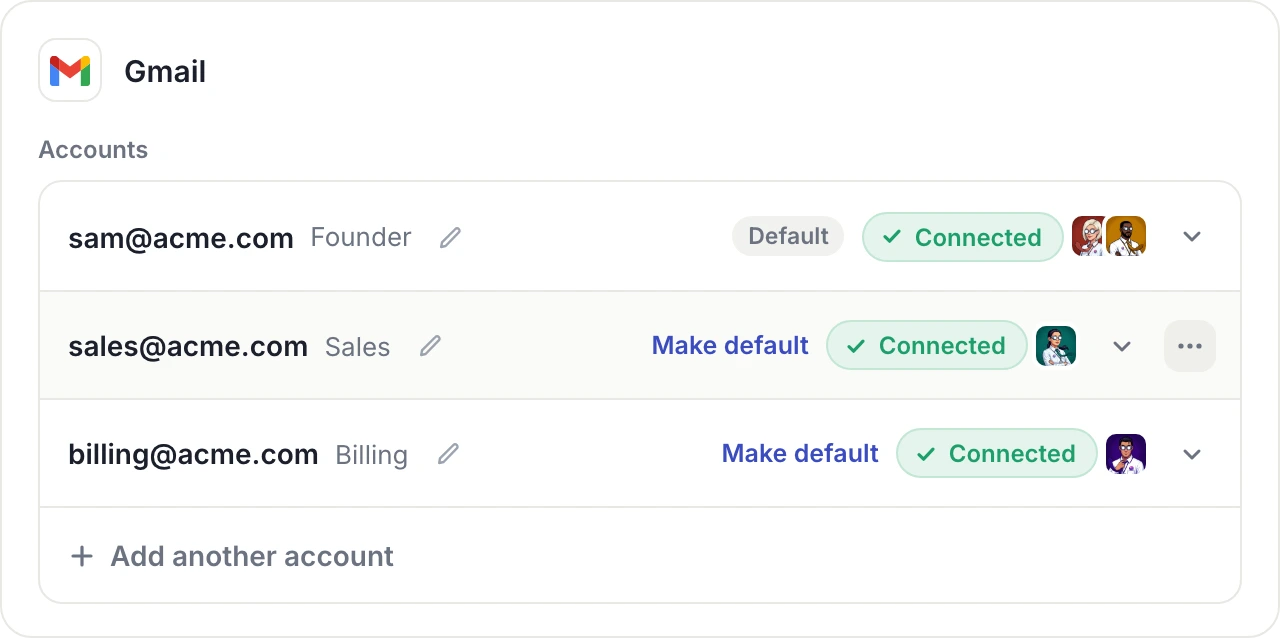
- Set a default. Your agents use it unless you ask for another account.
- Name the account you want, by its email or its name, and your agent uses that one.
- Choose which agents can use each account.
- Gmail shows one card in Settings, Connections, with a row per account. Rename a row so each one is easy to tell apart.
- The three dots appear at the end of a row when you hover, to disconnect that account.
- This is for Gmail. Every other app keeps its single row.