May 23, 2026
A workspace home view. Every surface as a tile.
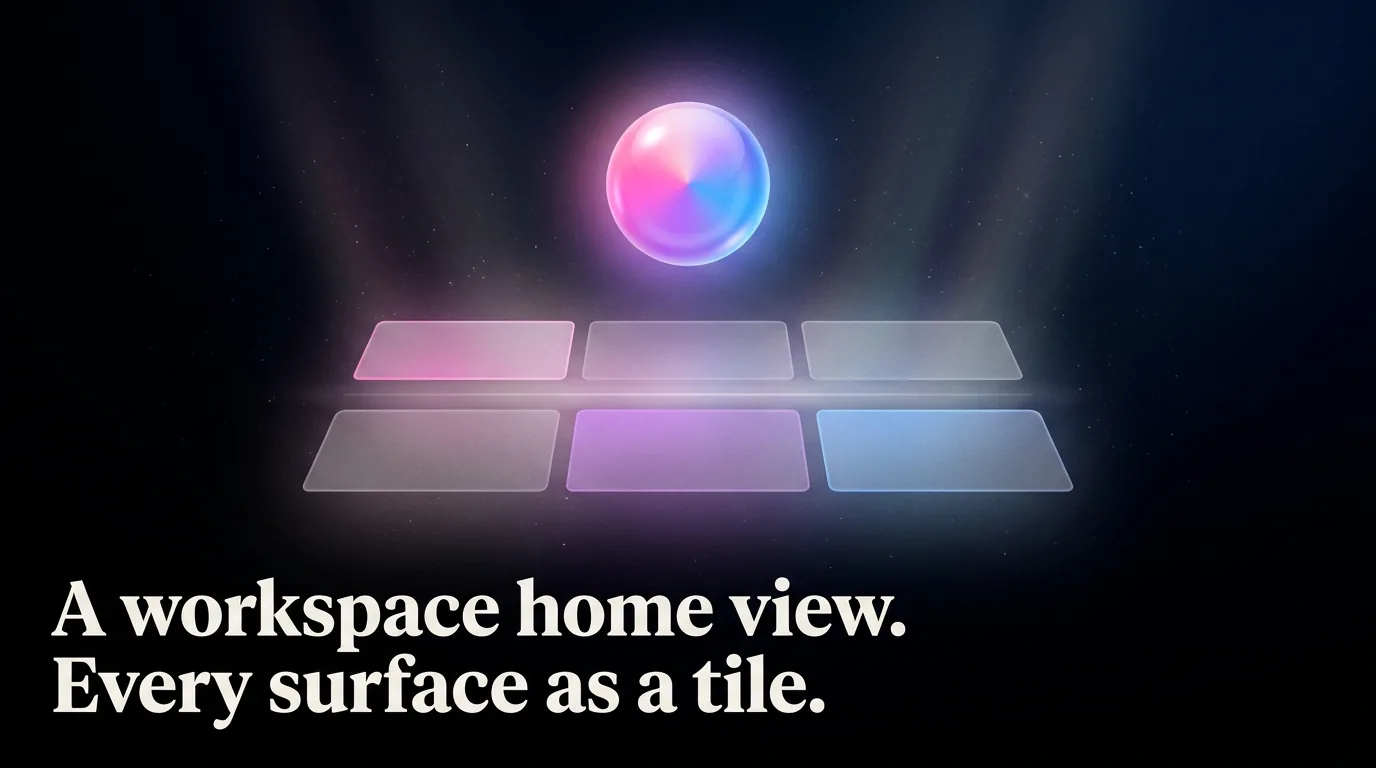
A new Settings preference changes what opens when you click a workspace in the sidebar. The default still drops you into the first tab. Flip it and you land on a home view instead: every surface laid out as a glass tile, banded by recency (Active now, Today, This week, Older), with the iridescent brand sigil at the top. In this mode the tab strip steps aside, each tile-click opens a surface alone, and a small back affordance returns you to the home. Existing users are untouched until they opt in.
New
- Settings, Profile, Workspace landing: a segmented toggle between 'the first surface' (today's behavior) and 'the workspace'. Persists per user, syncs across devices.
- Workspace home view (Launch dock): glass plank header with the iridescent brand sigil, recency bands beneath, each surface as a tile in the kind's hue. Click a tile to open it.
- Folder navigation in workspace mode: surface tabs are suppressed, the body shows one thing at a time, a back-bar above the surface body returns to the home.
- '+ New surface' in the workspace home plank, since the tab strip's '+' steps aside in workspace mode.
Polish
- The workspace route's loading skeleton now matches the chosen landing: a dock-shaped placeholder (plank, bands, tile grid) when workspace mode is on, the existing tab + content placeholder otherwise. No more shape flash on first paint.
- Tile clicks are local-state, not Next page navigations: opening a surface from the home is a single repaint, refresh and right-click open-in-new-tab still land on the canonical surface URL.