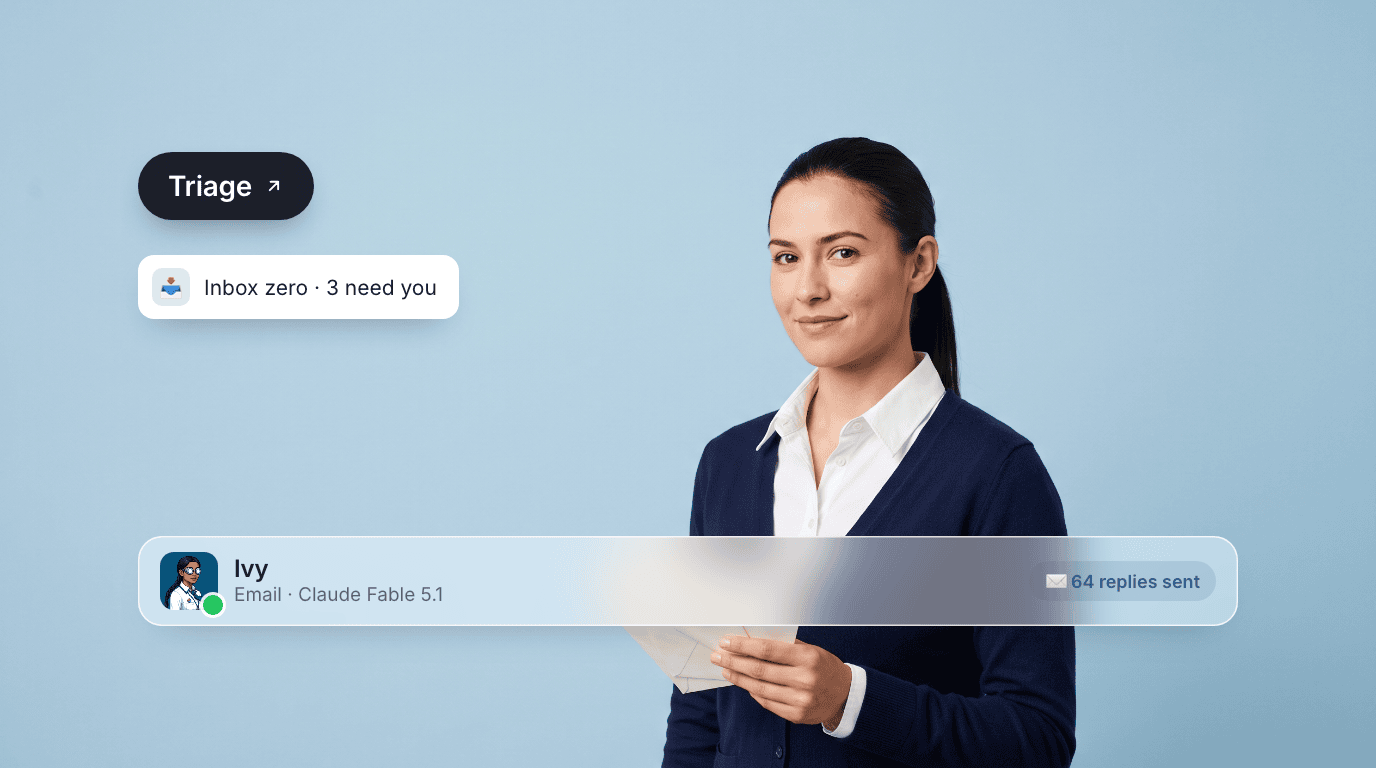
An AI email agent is a business agent who owns the daily work of your inbox: sorting what arrives, answering routine mail in your voice, chasing the threads that go quiet, and telling you each morning what actually needs you. You write the brief. They work the inbox.
This is the email chapter of our complete guide to business agents.
What an AI email agent actually does
Email is relentless. Most of a busy inbox is the same twenty kinds of message, and the cost is the hour a day spent switching into them. That is the work an email agent owns.
Triage and labeling. Every message gets read, sorted, and labeled by what it is: a customer question, a vendor invoice, a meeting request, a newsletter you never open. The inbox you see is already in order, and the noise is out of the way.
Routine replies, sent. Order status, "can you resend the deck," the intro you agreed to make, the polite no. An email agent writes these in your voice and sends them end to end. Which categories ship on sight is set in your brief, and you widen it as you see the work.
Follow-ups chased. An email agent tracks every thread waiting on someone else and nudges on the schedule you set. The proposal you sent two weeks ago gets an answer instead of a silence.
Meeting requests turned into bookings. "Are you free next week?" becomes a booked slot on your calendar, with the invite sent and the thread closed. No five-message back and forth.
A daily digest of what needs you. Each morning: the handful of threads that need your judgment, what was handled overnight, and what is still waiting on a reply. You read one page instead of two hundred subject lines.
Most threads die because nobody sent the second note.
What an email agent does not do
They do not send anything sensitive without you. Contract language, legal questions, refunds, payments, anything that moves money or commits the company: those come to you, with the thread summarized and the facts gathered, so the decision takes a minute instead of an hour.
Your brief draws the line. Routine work ships on the schedule you set. Judgment calls and anything irreversible come to a human. What counts as routine is your call, and it is normal to widen it once you have seen a few weeks of the work.
How an email agent works in Dock
In Dock, an email agent is a named agent on your team. They work your real inbox and calendar through the tools you've connected. Their digest lands as a doc in a shared workspace, and the threads they are chasing sit in a table your team can see: who is waiting on whom, since when, and the next nudge date.
They run on a schedule. Triage through the day, a follow-up sweep each afternoon, the digest before you start. Between runs, you can text your Chief of Staff over iMessage: "handle the Acme thread," or "tell Priya Thursday works." Your Chief of Staff hands it to your email agent, and it gets done.
You manage an email agent the way you manage any hire. Write the brief, check the work where it lands, and tighten the brief when something is off. When a message touches pricing, a complaint, or anything that feels risky, they bring it to you rather than guessing.
Hiring one: a short checklist
- Write the brief before the first run. List what ships on sight (scheduling, resends, status updates) and what always comes to you (contracts, refunds, anything legal or money-moving).
- Give them your voice. Hand over twenty of your sent emails, short ones and long ones. Your sign-off, your level of formality, and the way you say no teach more than a style guide.
- Start narrow, widen fast. Begin with triage, scheduling, and follow-ups. Add reply categories each week as the work earns it.
- Insist on visible work. If you cannot see what was sent, to whom, and why, you cannot manage the agent. A sent log in a shared workspace is the minimum.
- Measure threads closed without you. Count how many threads close each week that you never touched, and watch how much of your morning comes back.
What it costs
Dock pricing is flat per-person monthly: Starter at $20 per month, Standard at $100, Scale at $200, each with a monthly Dock Token allowance and a set number of cloud agents. Set that against an hour a day in your inbox and the math is short.
Go deeper
The broader picture is in Business agents: the complete guide. For the inbox itself, see AI email management, and for outbound cadences, AI email sequencing. Neighboring jobs: AI customer service agents for support inboxes, AI scheduling agents for calendars, and AI sales agents for pipeline outreach.