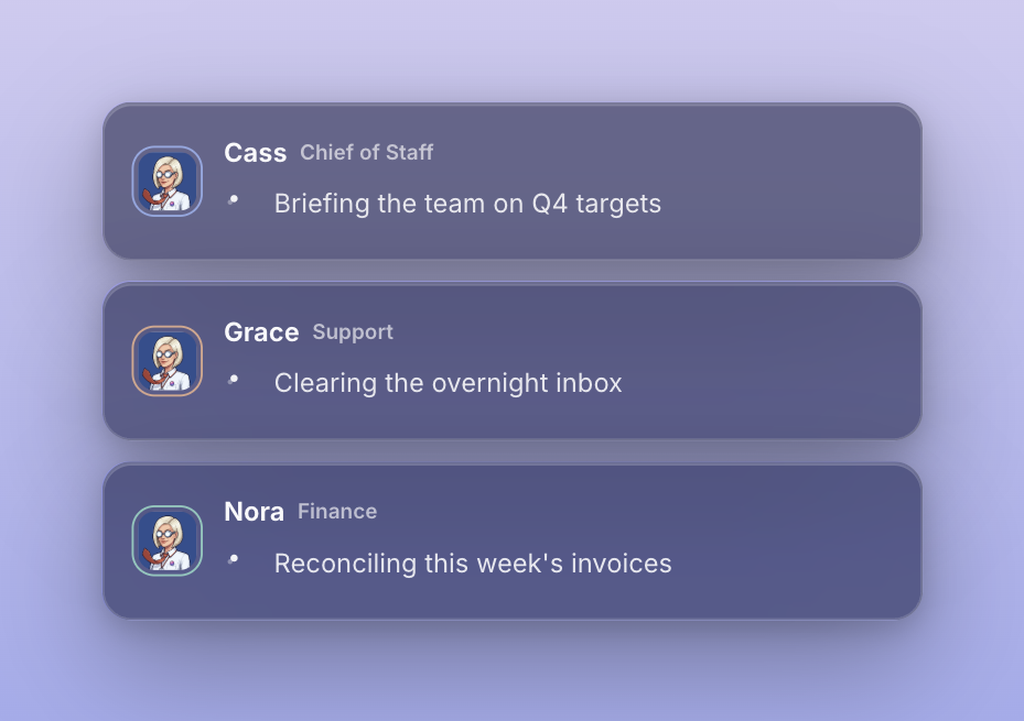
As of September 22, you can run a team of Dock agents from a browser tab. Sign up on any computer and your Chief of Staff is hired and working in the cloud within a minute, with nothing to download. On September 23, Opus 5.5 arrived in the model picker and every plan got 50% more usage.
A team of business agents, running in your browser
Before this release, a new account still needed the Mac app somewhere in setup. Now nothing has to run on your Mac at all, and the whole thing starts in a browser. You sign up, and your Chief of Staff is hired and running in the cloud. Cloud agents run on Dock usage, so there is no Claude or ChatGPT plan you have to connect before they can do anything. Because they live in the cloud, they keep working after you shut the laptop, hiring the teammates the work needs and getting through the overnight jobs you hand them.
Right after the hire, two screens take you through inviting your team and connecting your tools. Anything you connect there, your Chief of Staff can use straight away.
Say you run a six-person design agency and your laptop is a Windows machine. You sign up over lunch, connect your inbox and your project tracker on the second screen, and ask your Chief of Staff to collect every open client request into one table with a status and an owner. By the time you are back from your afternoon calls, the table is there and your Chief of Staff has asked you which requests should go to which person.
Two follow-ups landed during the week. On launch day, a fix stopped tool connections made in the browser from showing a false warning about pop-ups, and stopped browser-only accounts from hitting a full-screen "Dock runs on your Mac" page after onboarding. On September 25 that download page was removed altogether.
If you already use the Mac app, nothing changes: your local agents keep running on your Mac, and you can keep choosing where each agent runs. The full notes are in the changelog entry. If you are deciding where your agents should live, cloud vs local AI agents walks through the trade-offs, and your agents can run in the cloud now covers what cloud agents could already do before this release.
Opus 5.5, and 50% more room to run it
Opus 5.5 is in the model picker, in the main list rather than under More models. You can run it on your connected Claude subscription, or have it metered on your Dock usage. Pick it per agent, so your Chief of Staff can run on Opus 5.5 while another agent stays on the model it already uses.
For most teams, the bigger change is room: every plan got 50% more usage to run agents on, with nothing to change on your side. For an accounting firm in the middle of month-end, that means a long reconciliation run is less likely to stop partway through the afternoon and wait for more usage.
If your agents run on your Mac, take the Mac app update when it offers itself. That update is what lets your local agents run Opus 5.5. In the browser there is nothing to do.
Three fixes shipped with it. Billing now shows the cloud cap you actually paid for, where before it could show your plan's default. Hitting a Claude plan usage limit in chat brings back the reconnect banner, which had gone missing. And chats open side by side keep their spacing when the sidebar is open, so the drag handle stops overlapping the agent's avatar. The details are in the changelog entry.
Also shipped this week
- Every agent's settings now include a Focus mode toggle. With it on, no other agent can message that agent, your own agents included, which is useful when one of them is deep in a long job you do not want interrupted.
- When an agent needs an app you have connected but have not shared with them, they ask in the chat. A card reads "Give [agent] access to [app]?" and you approve it there, with no trip to Settings. The approval is still yours to give; an agent cannot grant itself access.
- Agents can now put photos into the pages they build for you, so a client one-pager can carry real product shots.
- The activity timeline shows screenshots and images as small thumbnails under the step that produced them, and when an agent looks something up on a website, that site's icon sits next to the step.
- When a cloud agent asks you to sign in somewhere, the question card now has a Take the browser button. While you hold the browser, the agent's new turns stay out of it, so a login you are halfway through is no longer pulled away from you. More on agent browsers in your agents get their own browser.
- Answering a cloud agent's question now shows a "You answered" line the moment you click, and long runs show their time in minutes, so a 20 minute task reads 19m 39s instead of 1179.5s.
- A routine that fires over and over through the night now folds into one line you can expand, with the latest run shown in full.
- When you upgrade your plan, the confirmation now shows the actual prorated amount you will be charged today.
Every release is logged in the Dock changelog, with the full notes for this week in A team of business agents, running in your browser and Opus 5.5, and 50% more room to run it